
Download GoldScalper Pro

The MetaTrader 4 and 5 Expert Advisor for gold, and the Android app that lets you watch and control it from your phone. One license covers every download on this page.

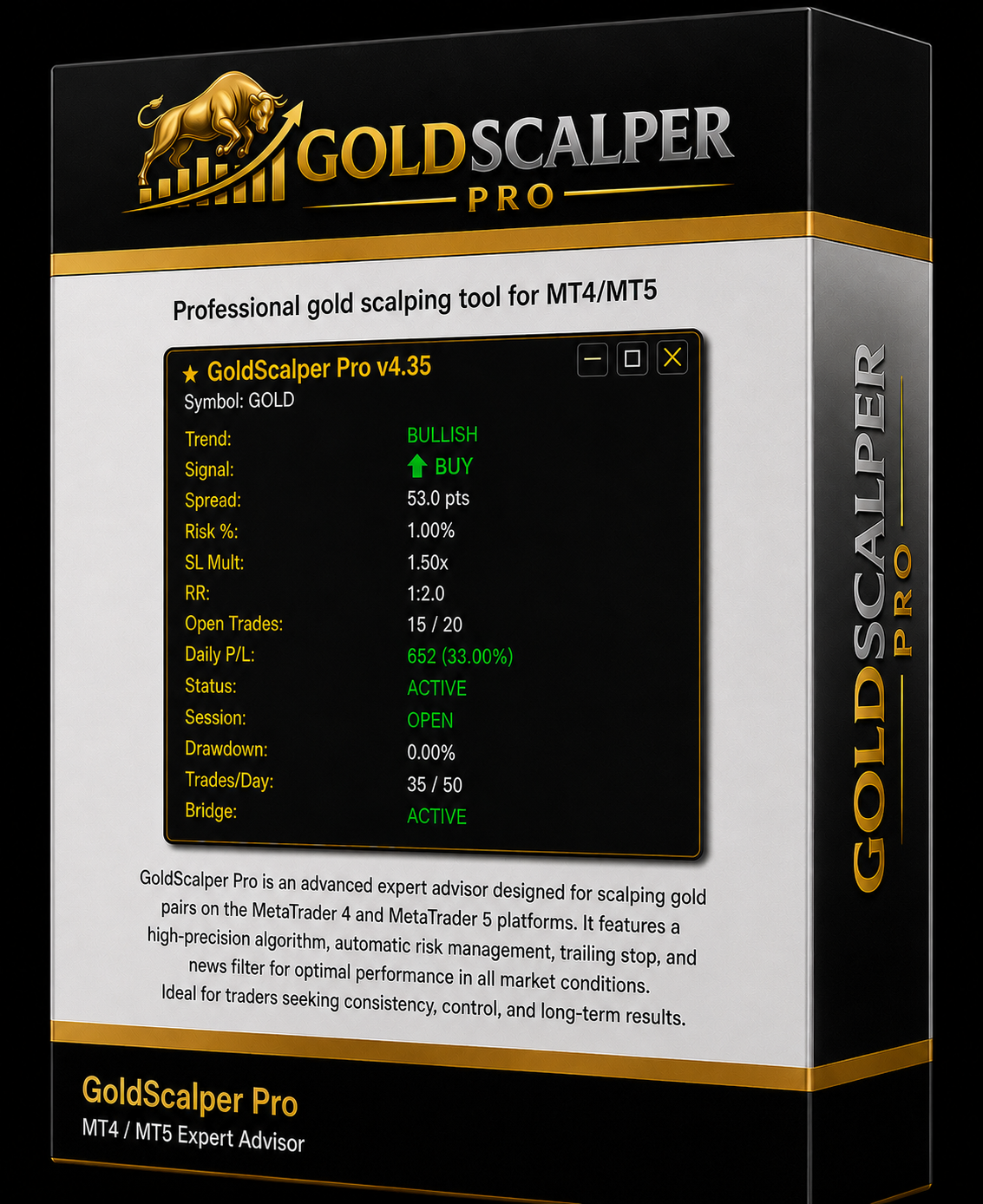
GoldScalper Pro Expert Advisor box for MetaTrader 4 and MetaTrader 5
MetaTrader 4MetaTrader 5Android 8.0+

Choose your download

Your license works with all of them. Pick the file that matches where you trade.

MT5

MetaTrader 5 Expert Advisor

Automated XAUUSD trading for MetaTrader 5. Install it in your MT5 Experts folder, attach it to a gold chart, and activate your license.

  • MetaTrader 5 build 3815 or newer
  • Attach to an XAUUSD (Gold) chart
  • ECN broker with raw spreads
GoldScalperPro-EA-MT5-v1.0.0.ex5
0 downloads
MT4

MetaTrader 4 Expert Advisor

Automated XAUUSD trading for MetaTrader 4. Install it in your MT4 Experts folder, attach it to a gold chart, and activate your license.

  • MetaTrader 4 build 1420 or newer
  • Attach to an XAUUSD (Gold) chart
  • ECN broker with raw spreads
GoldScalperPro-EA-MT4-v1.0.0.ex4
0 downloads

Android companion app

Follow live trades, review performance, get alerts, and control supported EA functions from your phone. Includes AI Chart Analysis.

  • Android 8.0 or newer
  • Sign in with your website email
  • Bind your trading account
GoldScalperPro-v1.0.0.apk
0 downloads

Every download uses a private link made for your account. It expires after 10 minutes, so you always get the current file. Downloads are logged to your account.

Install and activate

Follow the steps for the file you downloaded.

  1. 1
    Download the file
    Use the MetaTrader 5 download above. If you receive a .zip, extract it first so you have the .ex5 file.
  2. 2
    Copy it into MetaTrader
    In MetaTrader 5, choose File → Open Data Folder. Open MQL5 → Experts and paste the file there.
  3. 3
    Allow license checks
    Go to Tools → Options → Expert Advisors, tick Allow WebRequest for listed URL, and add this address:
    https://goldscalperpro.com
  4. 4
    Attach it to a gold chart
    Restart MetaTrader or refresh the Navigator, open an XAUUSD chart, drag GoldScalper Pro onto it, and turn on Algo Trading.
  5. 5
    Activate your license
    Enter your license key and trading account number in the EA inputs. Your key is in your dashboard. The license binds to the account the first time it validates, up to your plan's account limit.

Common questions

Share this page

Send the download page to a fellow trader. They'll need their own license to download the files.

goldscalperpro.com/download

Automated execution involves risk. Historical performance does not guarantee future results. Building an integration? Read the API docs.